
The Missed Calls report in Call Analytics helps you quickly identify unanswered calls so you can improve response times, adjust routing, and capture more opportunities.
This report provides a high-level view of missed vs. answered calls, along with key metrics and filtering options to help you understand when and why calls are being missed.
How to Access the Missed Calls Report
Log in to your 800.com dashboard.
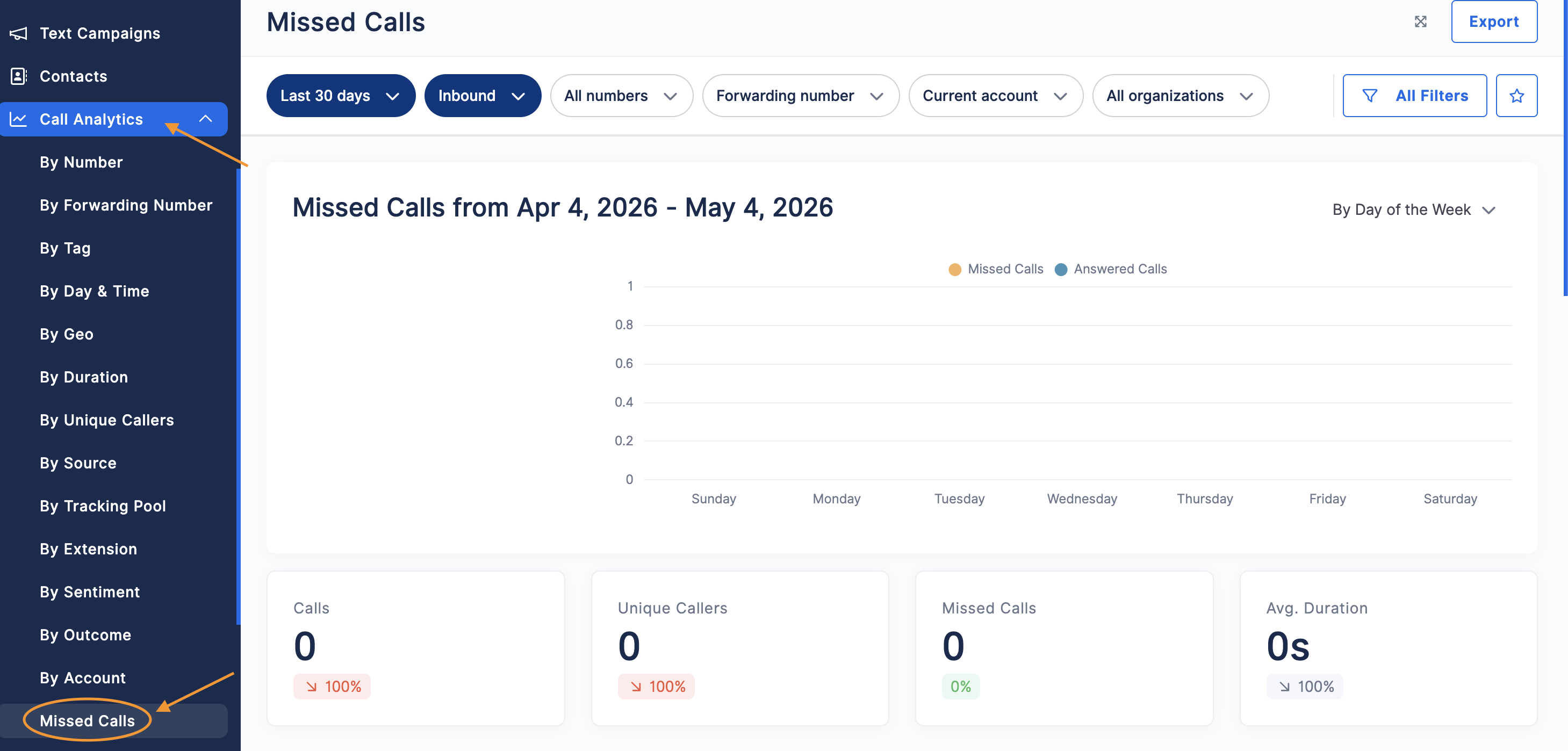
From the left-hand menu, click Call Analytics > Missed Calls
How to Use the Missed Calls Dashboard
The Missed Calls dashboard gives you a clear breakdown of call performance over a selected time period.
Filters and Date Range
At the top of the page, you can filter your data by:
- Date range (e.g., Last 30 days)
- Call direction (Inbound/Outbound)
- Phone numbers
- Forwarding number
- Account or organization
Use All Filters to apply additional filtering options and refine your data.
Call Trends Chart
The chart displays missed and answered calls over time, helping you:
- Spot trends in missed calls
- Identify high-risk time periods
- Compare answered vs. missed call volume
You can also adjust how the data is grouped (e.g., by day of the week).
Key Metrics
Below the chart, you’ll see summary metrics:
- Calls – Total number of calls during the selected period
- Unique Callers – Number of individual callers
- Missed Calls – Total unanswered calls
- Avg. Duration – Average length of calls
These metrics help you quickly assess overall performance.
Why This Report Matters
Monitoring missed calls helps you:
- Identify gaps in call coverage
- Improve call routing and forwarding strategies
- Adjust staffing during peak hours
- Reduce lost opportunities and improve customer experience
How to Export Missed Calls Data
- Click Export in the top-right corner
-
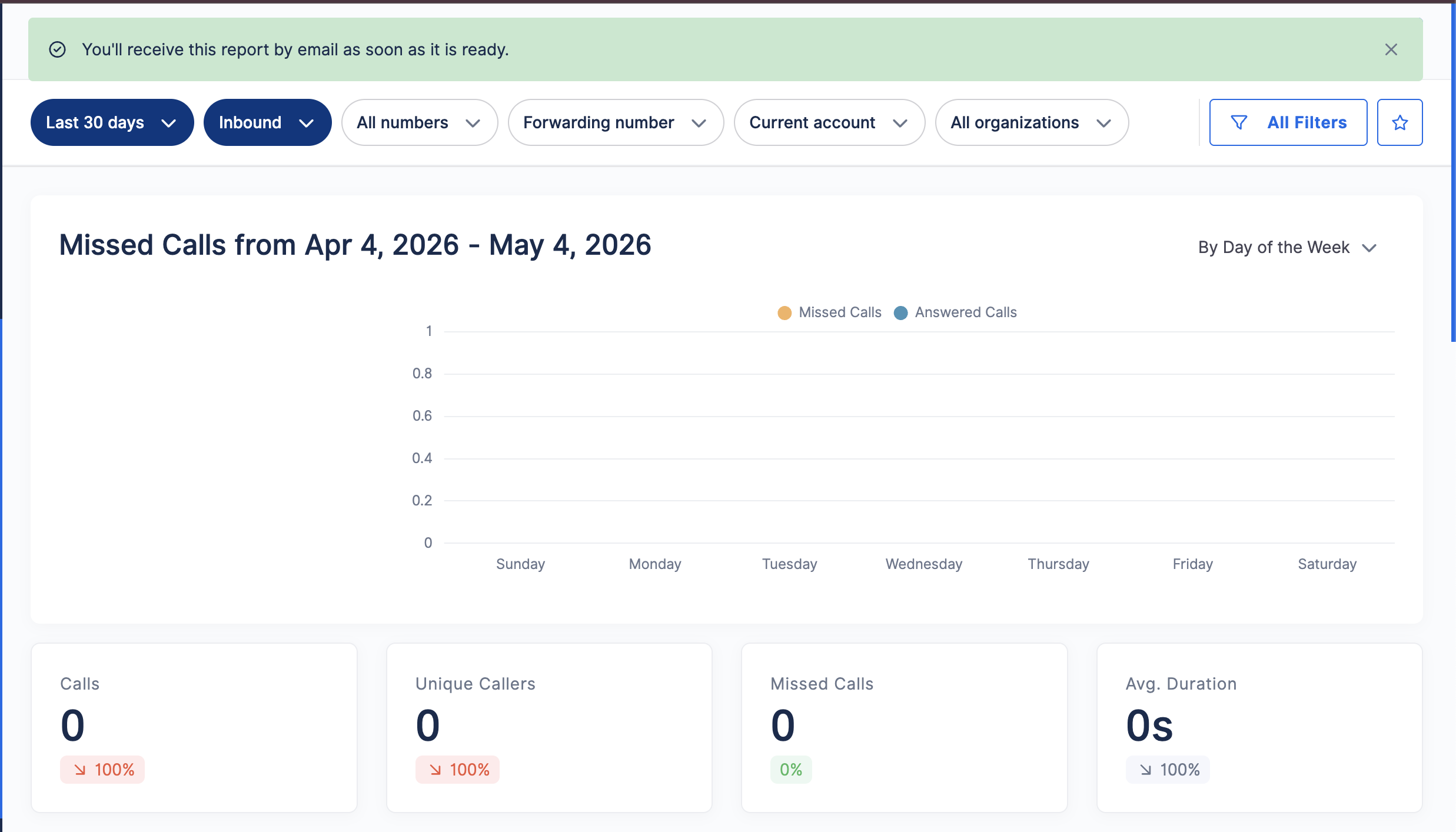
Your report will be generated and sent to your email once ready

Tips for Reducing Missed Calls
- Use Simultaneous or Sequential Forwarding to increase answer rates
- Extend your ring duration to give more time to answer
- Set up Voicemail or an AI Agent to capture calls when you’re unavailable
- Review peak call times and adjust availability accordingly
Need Help?
If you have questions during this process, you can reach out to our support team via email: support@800.com.