
Step 1: Log In To Your 800.com Account
Log in to your account. Ensure you have administrative access, as only admins can manage and download Call Recordings.
- If you’re not already using 800.com, sign up for an account and then log in.
Step 2: Locate Call Recording & Download
- Go to Inbox > Locate the number that has the call recording you would like to download.
- Scroll through the message history until you get to the Call Recording you wish to download.
- Click the Download icon.
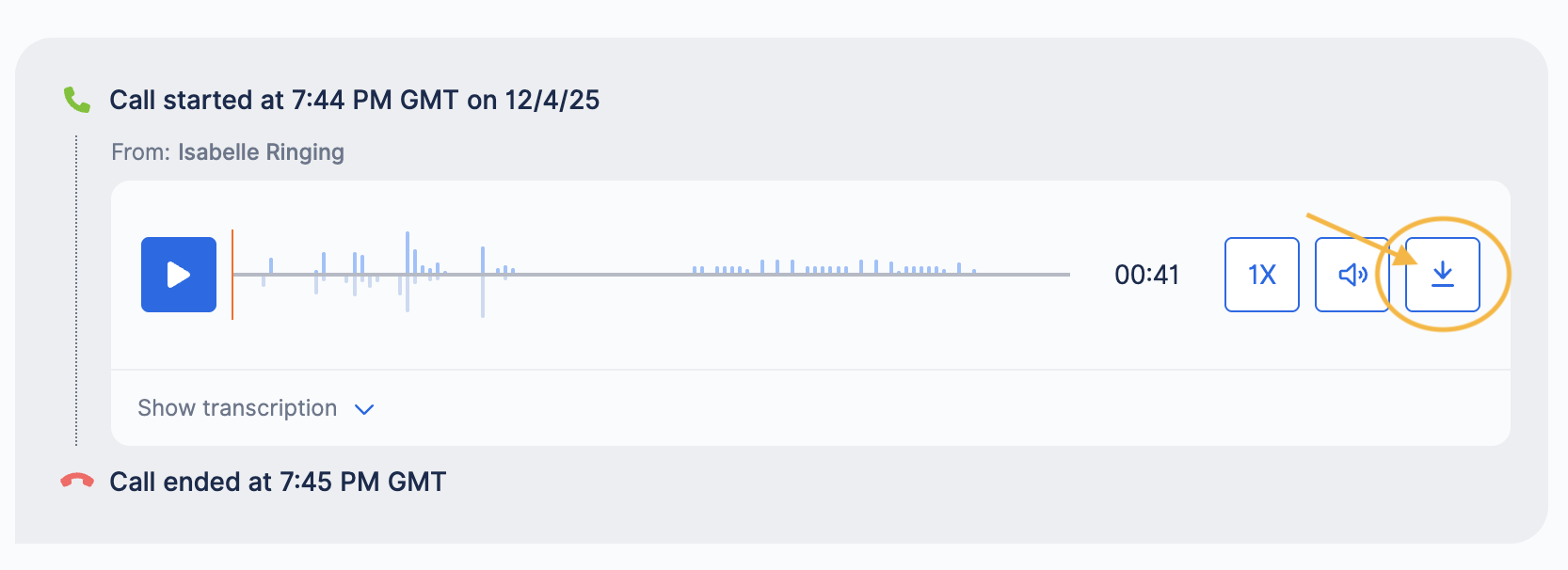
- You will now be able to view your Call Recording in your downloads on your device.
If you have questions during this process, you can reach out to our support team via email: support@800.com.