
Log In To Your 800.com Account
Log in to your account. Ensure you have administrative access, as only admins can changes to your account.
- If you’re not already using 800.com, sign up for an account and then log in.
Update Company Details
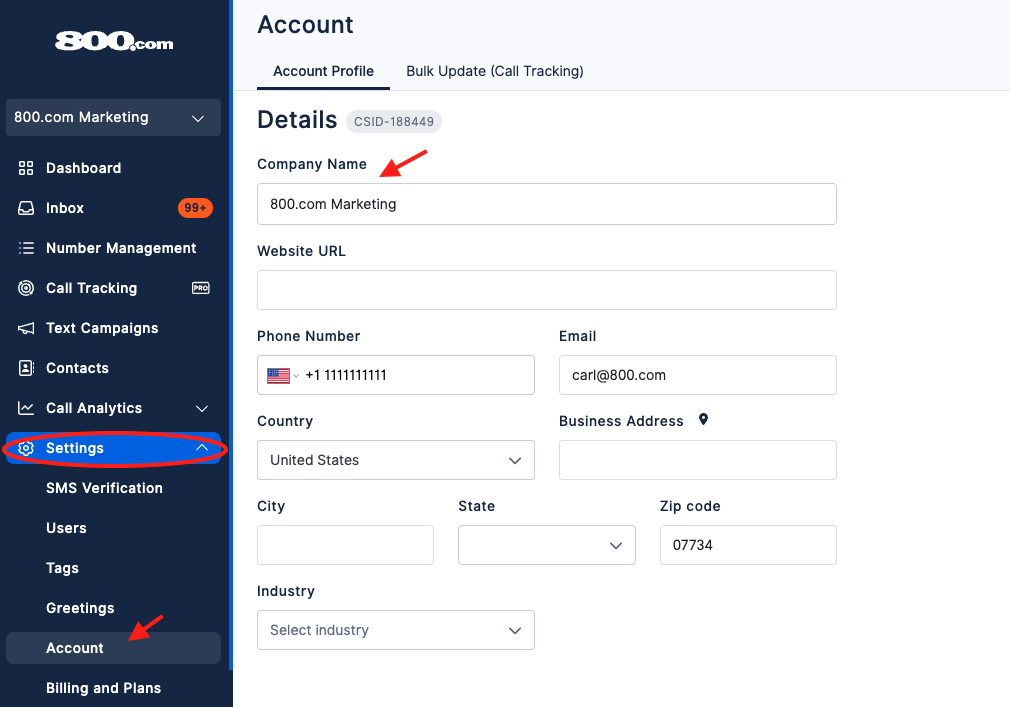
- Go to Settings > click Account.
- Under Account Profile: Enter Company Details > hit Save Changes.
Update Brand Details
- Go to Settings > click Account.
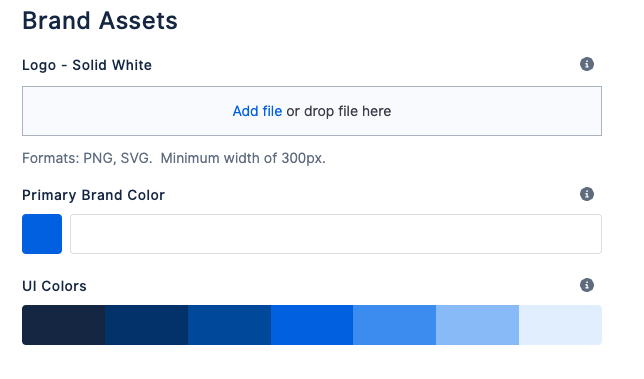
- Scroll Down in the Account Profile tab
- Add/Update Brand Assets
- Hit Save Changes at the top of the page.
If you have questions during this process, you can reach out to our support team via email: support@800.com.