
Log In To Your 800.com Account
Log in to your account. Ensure you have administrative access, as only admins can changes to your account.
- If you’re not already using 800.com, sign up for an account and then log in.
Using Filters
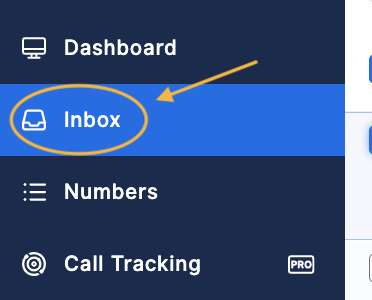
- Go to Inbox.
- Select the conversation you are sending a message to > type the message you wish to send > click the arrow to the right of Send > click Schedule.

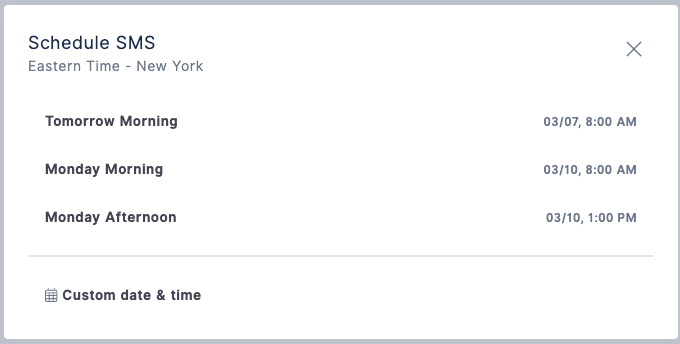
- Choose the pre-suggested schedules or create a custom date & time > hit Send.
If you have questions during this process, you can reach out to our support team via email: support@800.com.