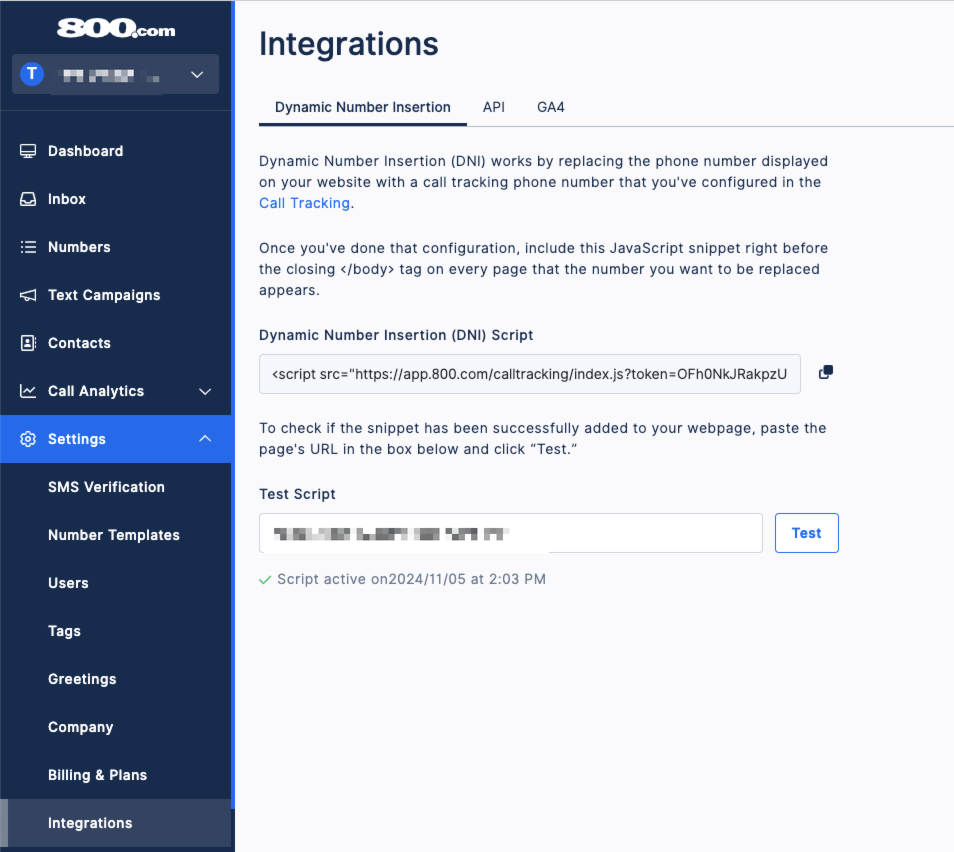
Find your Dynamic Number Insertion (DNI) Script in 800.com
Log in to your 800.com Account > Settings > Integrations > Copy your Dynamic Number Insertion (DNI) Script
Add Your DNI Script to WIX
- Log in to your WIX Account
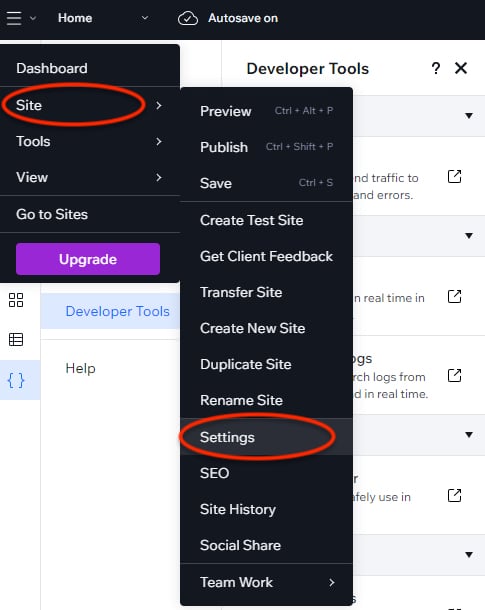
- Select your Site, then in the "Site" dropdown, Select "Settings"
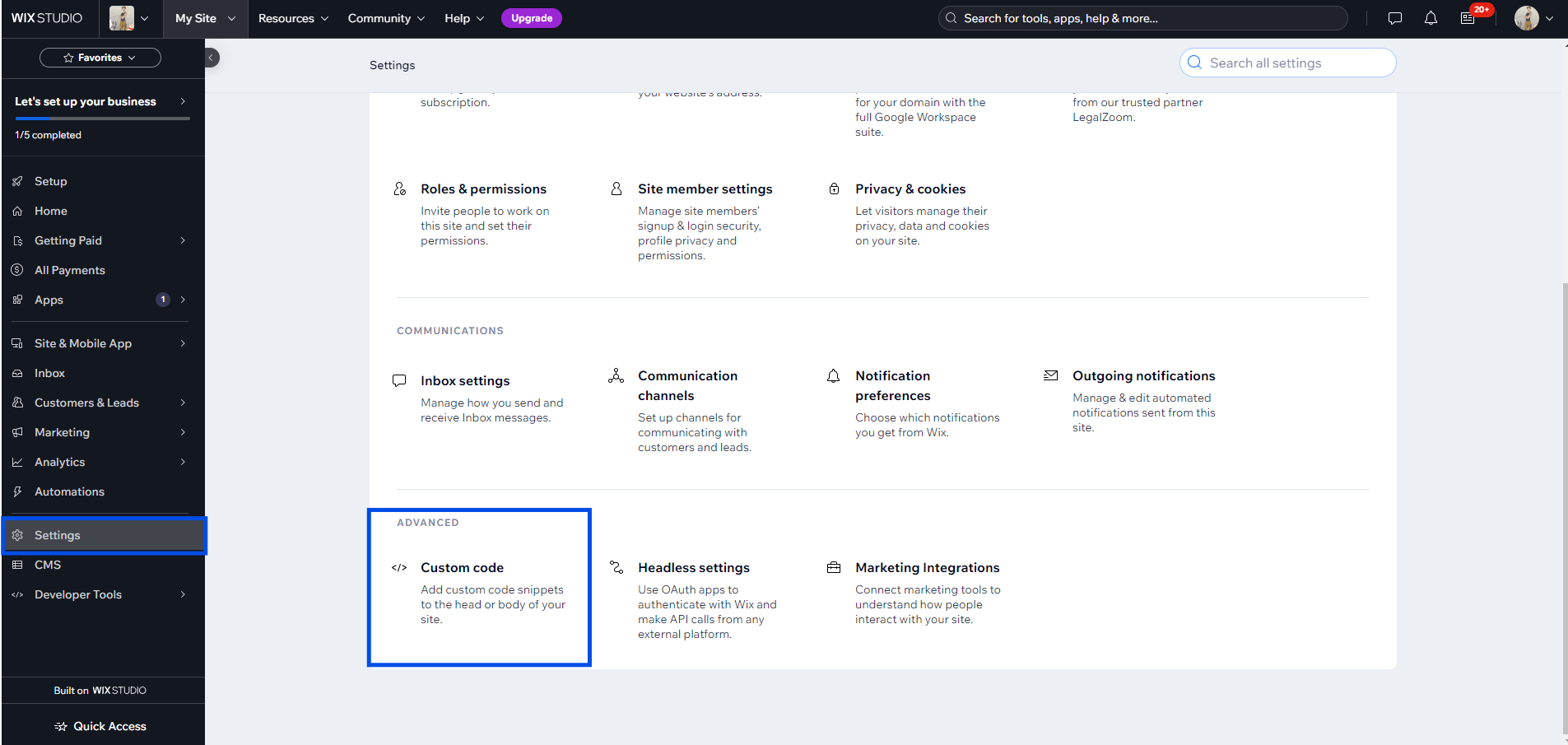
- Once in your Settings, scroll down to "Advanced" Options and Select "Custom Code"
- Paste your 800.com DNI Script into the "Past the code snippet here" box under the Edit Tool
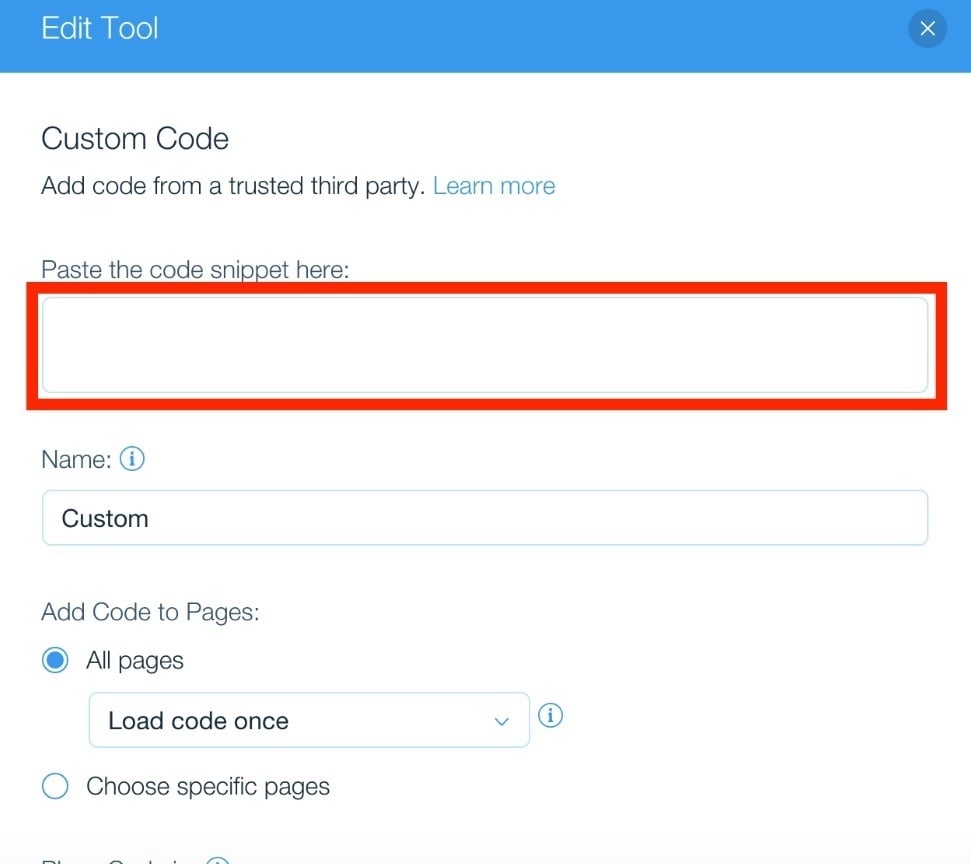
- You can now name your custom code.
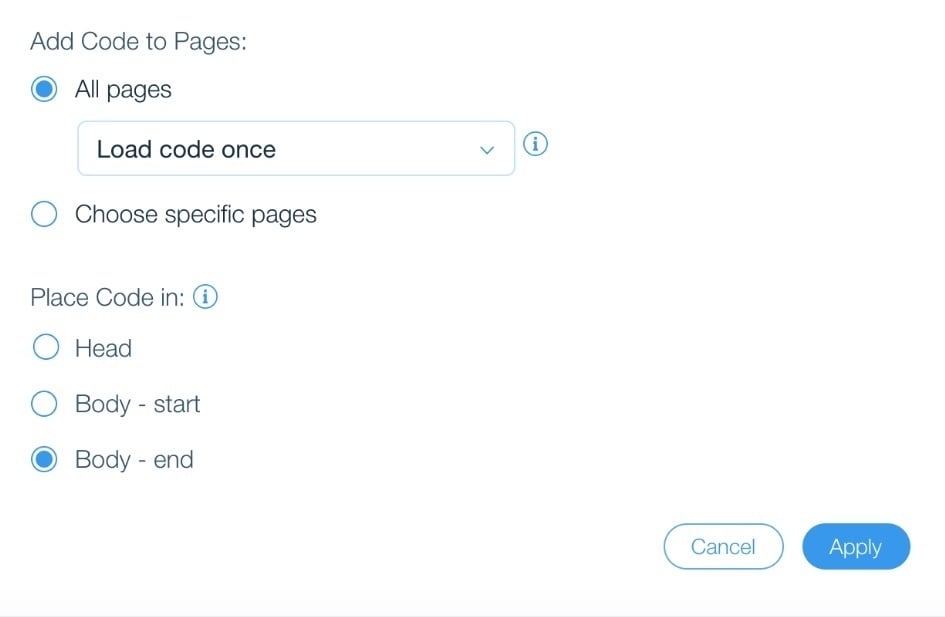
- Under "Add code to Pages" select "All Pages" and place code in "Body-end" then click "Apply".
Test your DNI is working
- Log in to your 800.com Account
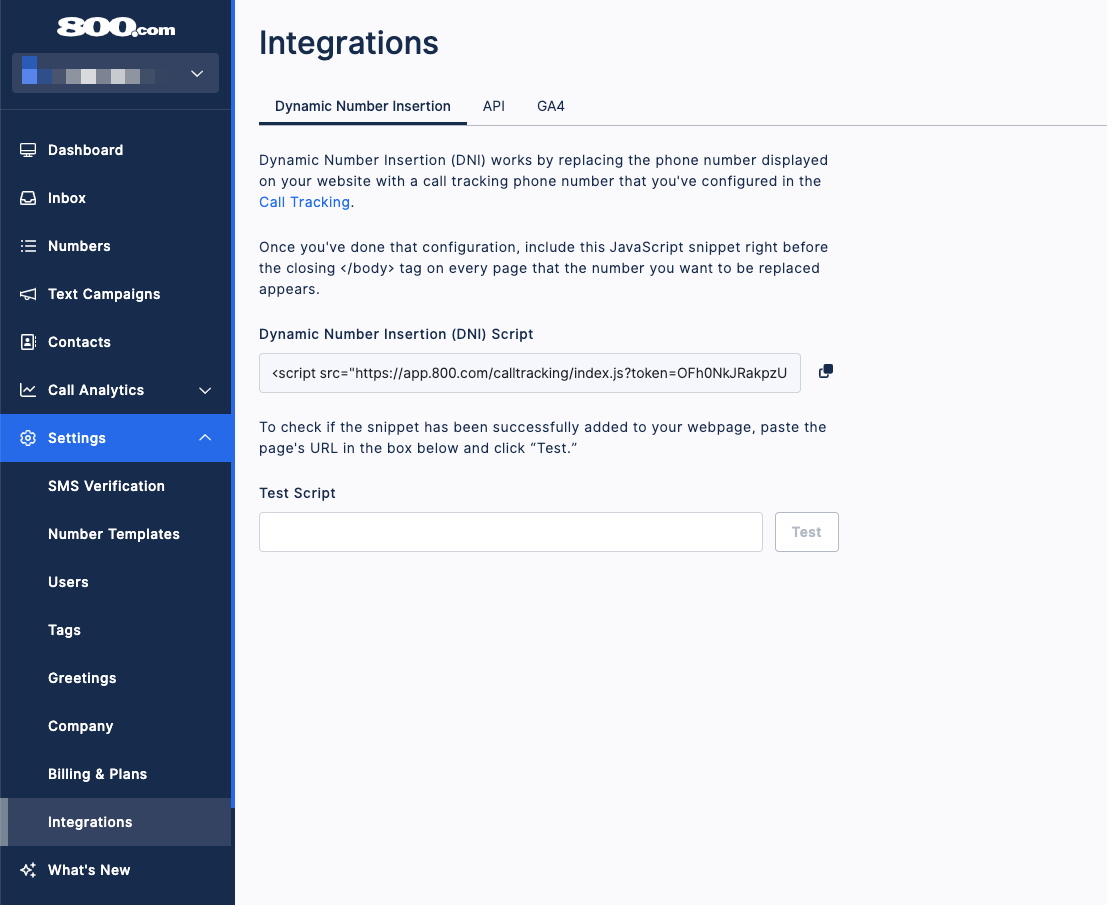
- Click Settings, then click Integrations
- Copy the url where the DNI is placed
- Paste into the field for Test Script
- Click Test